Voice Cloning with AI: How to Clone Your Voice in 5 Minutes
Imagine producing content in your own voice without ever speaking. With voice cloning, that's possible today — and surprisingly easy. In this detailed guide, I'll show you step by step how to clone your voice with ElevenLabs and what to watch out for.
What Is Voice Cloning?
Voice cloning uses AI to create a digital copy of a voice. This copy can then "speak" any text — with the characteristic properties of the original voice: pitch, timbre, speaking rhythm, accent, and emotional coloring.
ElevenLabs Voice Cloning Methods
Instant Voice Cloning
- Audio needed: 30 seconds - 3 minutes
- Available from: Starter Plan ($5/month)
- Quality: Good for most applications
- Speed: Immediately available
Professional Voice Cloning
- Audio needed: 30+ minutes recommended
- Available from: Creator Plan ($22/month)
- Quality: Highest quality, more nuances
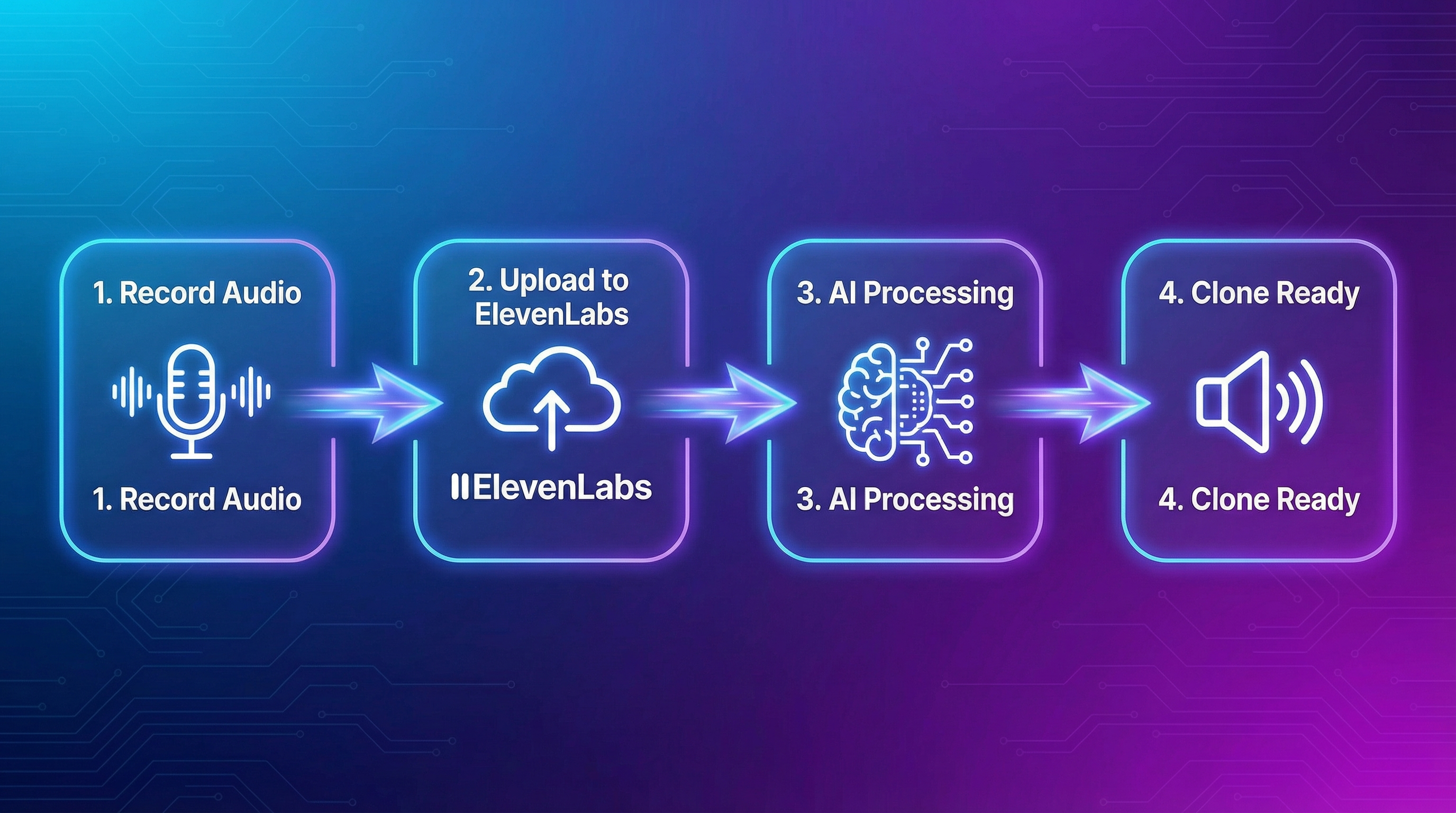
Step-by-Step: Creating a Voice Clone
Für Entscheider im Mittelstand
Vom KI-Interesse zum kontrollierten ersten Pilot.
Im AI-Agenten Blueprint Sprint priorisieren wir Ihren ersten Einsatzfall und definieren Datenzugriffe, Freigaben, Verantwortlichkeiten und einen 30-Tage-Plan.
Step 1: Record Audio
Quality matters most. Record in a quiet environment, 15-30cm from the mic, no background noise or echo. Speak naturally — don't "read." For instant cloning, 1-3 minutes is enough. For professional cloning, 30+ minutes with varied emotions.
Step 2: Open Voice Lab
- Log in to ElevenLabs
- Go to "Voices" → "Voice Lab"
- Click "Add Generative or Cloned Voice"
- Choose your cloning method
Step 3: Upload and Configure
Upload your recordings, give the voice a descriptive name, add labels. Multiple shorter samples are better than one long one with errors.
Step 4: Test and Optimize
Generate test audio and listen critically. Adjust Stability (higher = consistent, lower = expressive), Similarity (higher = closer to original), and Style settings.
Your Clone in Other Languages
A fascinating feature: your cloned voice can speak languages you don't speak. Create a clone with English audio, use the "eleven_multilingual_v2" model, enter text in another language — your clone "speaks" it with your timbre. 29+ languages supported.
Legal and Ethics
Consent is mandatory. Only clone voices you have permission for. Your own voice: always fine. Other people: written consent only. ElevenLabs requires identity verification for professional cloning and prohibits impersonation without consent.
Conclusion: Your Voice, Scaled
Voice cloning with ElevenLabs is one of the most powerful technologies for content creators. In 30 minutes, you have a clone that can produce unlimited content in your voice. Use it ethically, be transparent, and respect others' voice rights.
🎙️ Clone Your Voice
Create a high-quality voice clone in minutes with ElevenLabs.
Try ElevenLabs free →Für Entscheider im Mittelstand
Vom KI-Interesse zum kontrollierten ersten Pilot.
Im AI-Agenten Blueprint Sprint priorisieren wir Ihren ersten Einsatzfall und definieren Datenzugriffe, Freigaben, Verantwortlichkeiten und einen 30-Tage-Plan.
Tags
About the Author

Jan Koch
KI Experte, Berater und Entwickler. Ich helfe Unternehmern und Entwicklern, KI effektiv einzusetzen - von der Strategie bis zur Implementierung.
Related Articles
Voice Cloning with AI: Clone Your Voice in 5 Minutes
How to clone your voice with AI in minutes. Step-by-step guide with ElevenLabs.
3 min
The Future of Text-to-Speech: What 2026 and Beyond Holds
Text-to-speech has evolved dramatically. From robotic voices to human-like speech. Here is what 2026 brings.
3 min
ElevenLabs Tutorial for Beginners: From Signup to Pro
New to ElevenLabs? This tutorial walks you through everything from signing up to creating your first professional voice-over.
5 min