Creating Multilingual Videos: Automatic Translation with AI
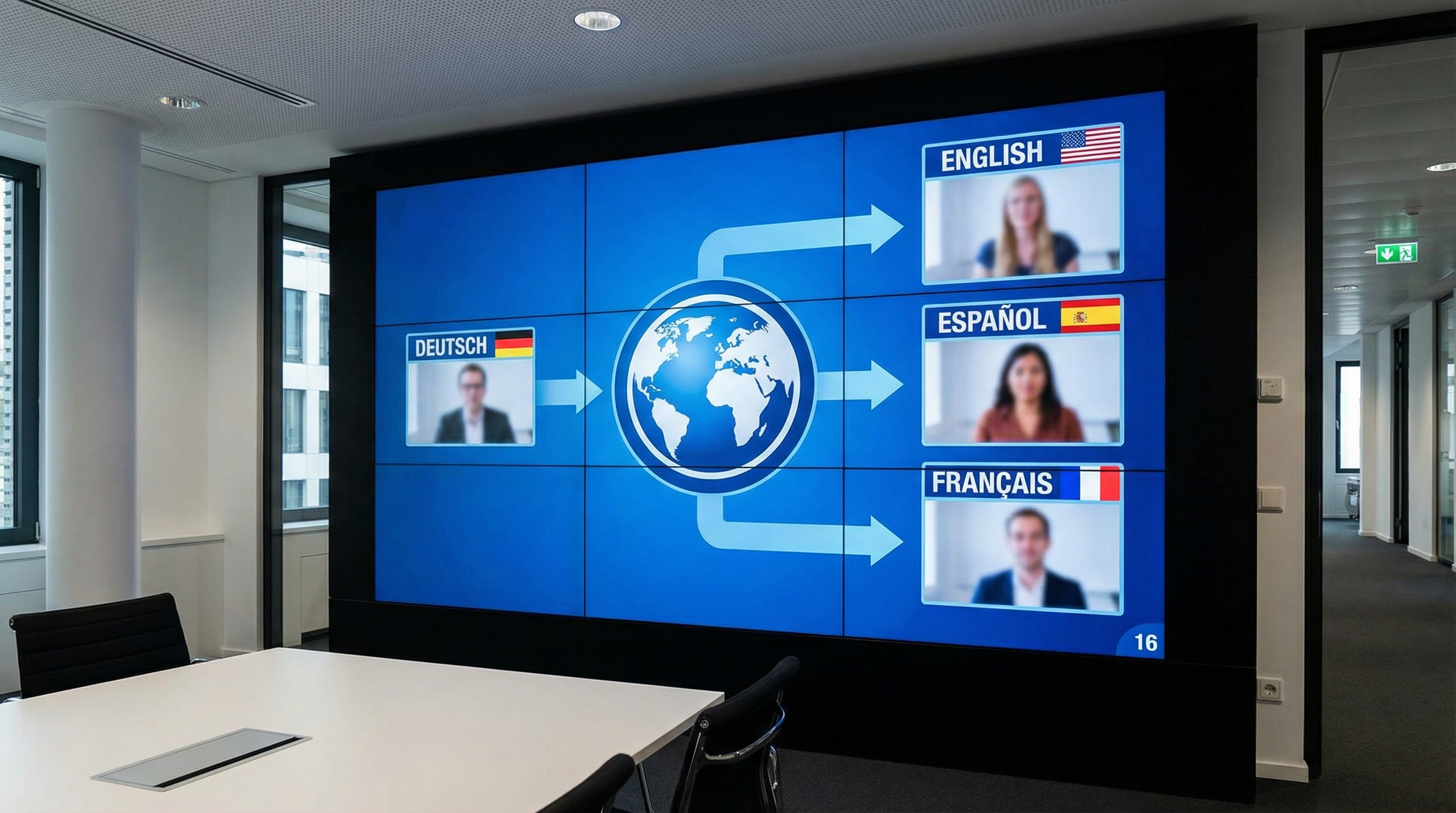
Your German video is performing well. But what if you could offer it in English, Spanish, and French with minimal effort? With ElevenLabs and AI translation, that's possible today — at a fraction of traditional costs. In this guide, I'll share my complete workflow.
Why Multilingual Videos?
The numbers speak for themselves:
- Reach: Only 26% of internet users speak English; 75% of YouTube views come from non-English speakers
- Engagement: Videos in a viewer's native language have 2-3x higher completion rates
- SEO: Multilingual videos rank in local search results
- Trust: Localized content builds trust
Localization used to be expensive: translators, voice actors, recording studios. Today you can do it in hours instead of weeks.
Option 1: ElevenLabs Dubbing (Simple)
ElevenLabs offers an all-in-one dubbing solution:
- Upload video
- Select target languages
- ElevenLabs transcribes, translates, and generates new audio tracks
- Download localized videos
Pros: Extremely simple, voice preservation, automatic timing. Cons: Less control, occasional sync issues, higher costs (dubbing credits extra).
Ideal for: talking head videos, tutorials, simple explainers.
Option 2: Manual Workflow (Full Control)
Für Entscheider im Mittelstand
Vom KI-Interesse zum kontrollierten ersten Pilot.
Im AI-Agenten Blueprint Sprint priorisieren wir Ihren ersten Einsatzfall und definieren Datenzugriffe, Freigaben, Verantwortlichkeiten und einen 30-Tage-Plan.
For more professional results:
Step 1: Transcription
# With Whisper (local or API)
whisper video.mp4 --language en --output_format srt
Step 2: Translation
Use DeepL (best for European languages), GPT-4 (great for contextual translation), or Google Translate (fastest). Pro tip: Have GPT-4 "localize" the translation — adapt idioms, smooth unnatural phrasing.
Step 3: Text-to-Speech
Create a voice clone in ElevenLabs Voice Lab, then generate audio for each subtitle block using the multilingual v2 model. Your voice can now speak 29+ languages.
Step 4: Audio Sync
The biggest challenge: matching generated audio to lip movements. Options include time-stretching, shorter translations, and speed parameters in ElevenLabs. Tools: Descript, DaVinci Resolve, FFmpeg.
Language Quality
| Language | Quality | Notes |
|---|---|---|
| English, German, Spanish | ⭐⭐⭐⭐⭐ | Excellent, nearly indistinguishable |
| French, Italian, Portuguese | ⭐⭐⭐⭐ | Very good, minimal accent artifacts |
| Japanese, Korean, Chinese | ⭐⭐⭐⭐ | Good, check cultural nuances |
| Arabic, Hindi, Turkish | ⭐⭐⭐ | Solid, occasional unnatural stress |
Cost Comparison
A typical 10-minute video: ~1,500 words = ~10,000 characters per language.
- 1 video × 3 languages with ElevenLabs Starter: ~$5
- 10 videos × 5 languages with ElevenLabs Pro: ~$99
- Professional voice actor (1 language): $200-500
The savings are enormous: one video in 5 languages costs ~$10-20 with AI vs. $1,000-2,500 with professional speakers.
Conclusion: Global Reach Becomes Affordable
With ElevenLabs and modern translation tools, video localization is no longer a luxury. You can make your content globally available in hours instead of weeks — at a fraction of traditional costs.
🌍 Take Your Videos Global
With ElevenLabs, your content speaks 29+ languages — in your own voice.
Try ElevenLabs free →Für Entscheider im Mittelstand
Vom KI-Interesse zum kontrollierten ersten Pilot.
Im AI-Agenten Blueprint Sprint priorisieren wir Ihren ersten Einsatzfall und definieren Datenzugriffe, Freigaben, Verantwortlichkeiten und einen 30-Tage-Plan.
Tags
About the Author

Jan Koch
KI Experte, Berater und Entwickler. Ich helfe Unternehmern und Entwicklern, KI effektiv einzusetzen - von der Strategie bis zur Implementierung.
Related Articles
Creating Multilingual Videos: Automatic Translation with AI
How I create videos in German, English, and Spanish — automatically. No reshooting required.
3 min
YouTube Voice-Over with AI: Make Your Channel Sound Professional
Professional voice-overs for YouTube without going to a studio. My complete workflow with ElevenLabs for faceless YouTube channels.
2 min
ElevenLabs Tutorial for Beginners: From Signup to Pro
New to ElevenLabs? This tutorial walks you through everything from signing up to creating your first professional voice-over.
5 min