YouTube Voice-Over with AI: Make Your Channel Sound Professional
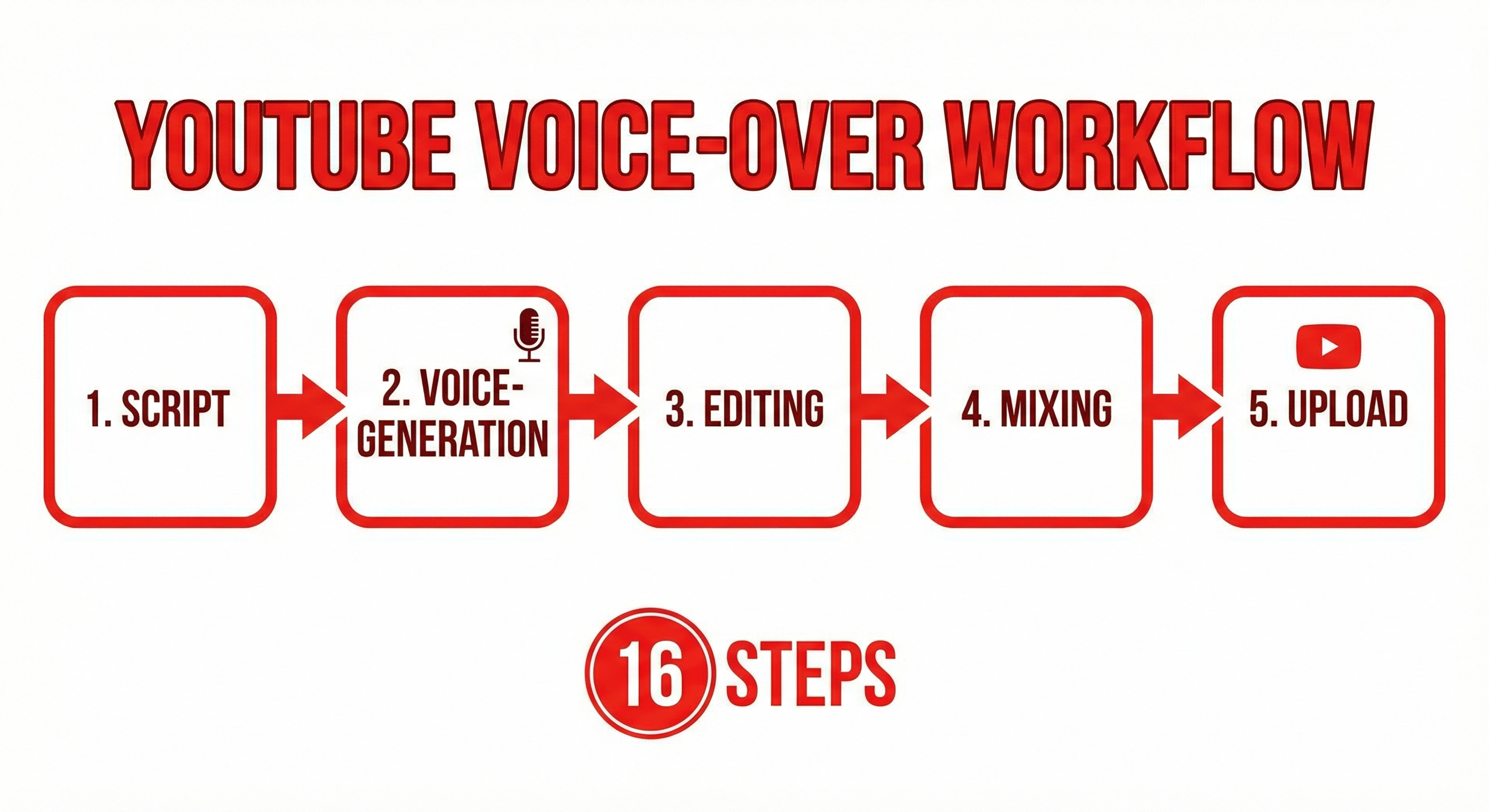
Most successful "faceless" YouTube channels use AI voices today. In this comprehensive guide, I'll share my complete workflow — from script creation to upload — and how to create professional voice-overs with ElevenLabs.
Why AI for YouTube Voice-Overs?
- Speed: 10-minute video in under an hour
- Consistency: Every video sounds equally professional
- No equipment: No microphone, no studio
- Scaling: Daily uploads without voice fatigue
- Multilingual: One video, many languages
Successful Faceless Niches
Tech explainers, finance/investing, history/documentaries, true crime, gaming, science, motivation/self-help.
The Complete Workflow
Phase 1: Research & Script (40% of time)
Hook (10s) → Problem (30s) → Content (8-12 min) → Summary (30s) → CTA (10s). Optimize for TTS: short sentences, natural language, spell out numbers.
Phase 2: Voice-Over with ElevenLabs (20%)
Choose voices at ElevenLabs: Josh (authoritative), Rachel (warm) for English. Settings: Stability 50-60%, Similarity 75%, Style 30-40%. Split script into 1-2 minute chunks, generate each separately.
Phase 3: B-Roll & Visuals (30%)
Stock videos (Pexels, Storyblocks), screen recordings, AI-generated images, animations. Cut every 3-5 seconds, add text overlays, subtitles are mandatory.
Phase 4: Editing & Export (10%)
Tools: DaVinci Resolve (free), CapCut, Premiere Pro. Audio mixing: Voice -6 to -3dB, background music -20 to -15dB.
Cost per Video
Für Entscheider im Mittelstand
Vom KI-Interesse zum kontrollierten ersten Pilot.
Im AI-Agenten Blueprint Sprint priorisieren wir Ihren ersten Einsatzfall und definieren Datenzugriffe, Freigaben, Verantwortlichkeiten und einen 30-Tage-Plan.
| Item | Cost |
|---|---|
| ElevenLabs (10 min VO) | ~$2-5 |
| Stock footage (optional) | $0-20 |
| Thumbnail (Canva Pro) | ~$1 |
| Total | $3-25 |
Compare: Professional speakers charge $100-300 per finished minute. A 10-minute video: $1,000-3,000.
YouTube Guidelines
YouTube allows AI voices. No mandatory disclosure (as of now). Monetization is possible. Restriction: No impersonation of real people.
Conclusion: The Efficient Path to YouTube
With ElevenLabs, you can produce professional YouTube videos without going in front of a camera or microphone. The most successful faceless channels succeed because of their content, not their voice. Start with one video, learn the workflow, optimize iteratively.
🎬 Start Your Faceless Channel
Create professional voice-overs for under $5 per video with ElevenLabs.
Try ElevenLabs free →Für Entscheider im Mittelstand
Vom KI-Interesse zum kontrollierten ersten Pilot.
Im AI-Agenten Blueprint Sprint priorisieren wir Ihren ersten Einsatzfall und definieren Datenzugriffe, Freigaben, Verantwortlichkeiten und einen 30-Tage-Plan.
Tags
About the Author

Jan Koch
KI Experte, Berater und Entwickler. Ich helfe Unternehmern und Entwicklern, KI effektiv einzusetzen - von der Strategie bis zur Implementierung.
Related Articles
Creating Multilingual Videos: Automatic Translation with AI
One video, five languages: How to expand your reach internationally using AI translation and ElevenLabs.
3 min
A Podcast Without Your Own Voice? Here's How with ElevenLabs
Starting a podcast without speaking yourself? I show how it works with AI voices — including the ethical questions.
3 min
Podcast Without Your Own Voice? Here Is How It Works with ElevenLabs
How to create podcasts using AI voice. No recording needed.
2 min